Change a worker's phone number
A worker's number cannot be edited directly: there is no "Modify" button. You need to release the current line, then provision a new one.
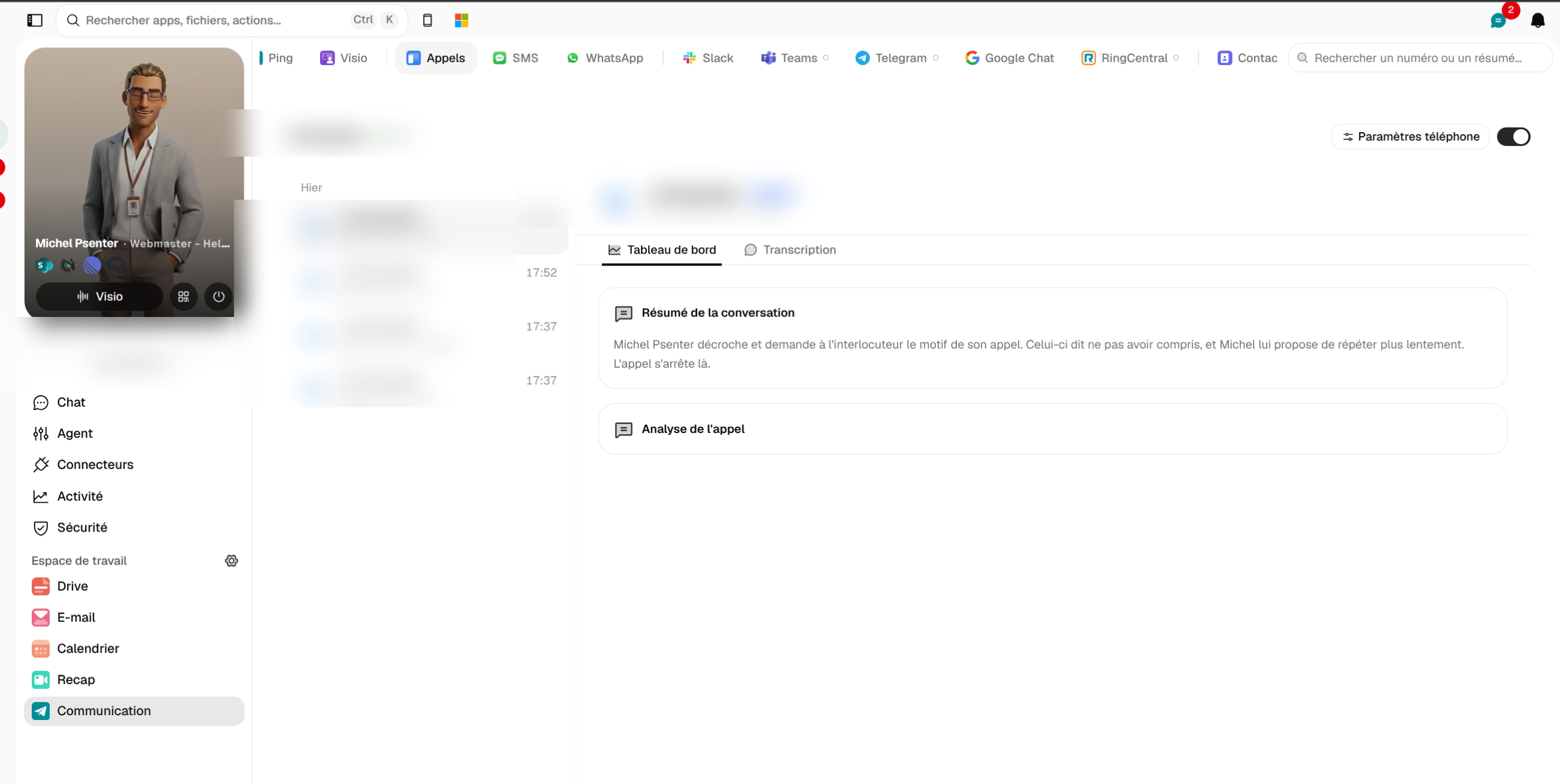
Communication > Calls tab: the “Phone settings” button is next to the line number.
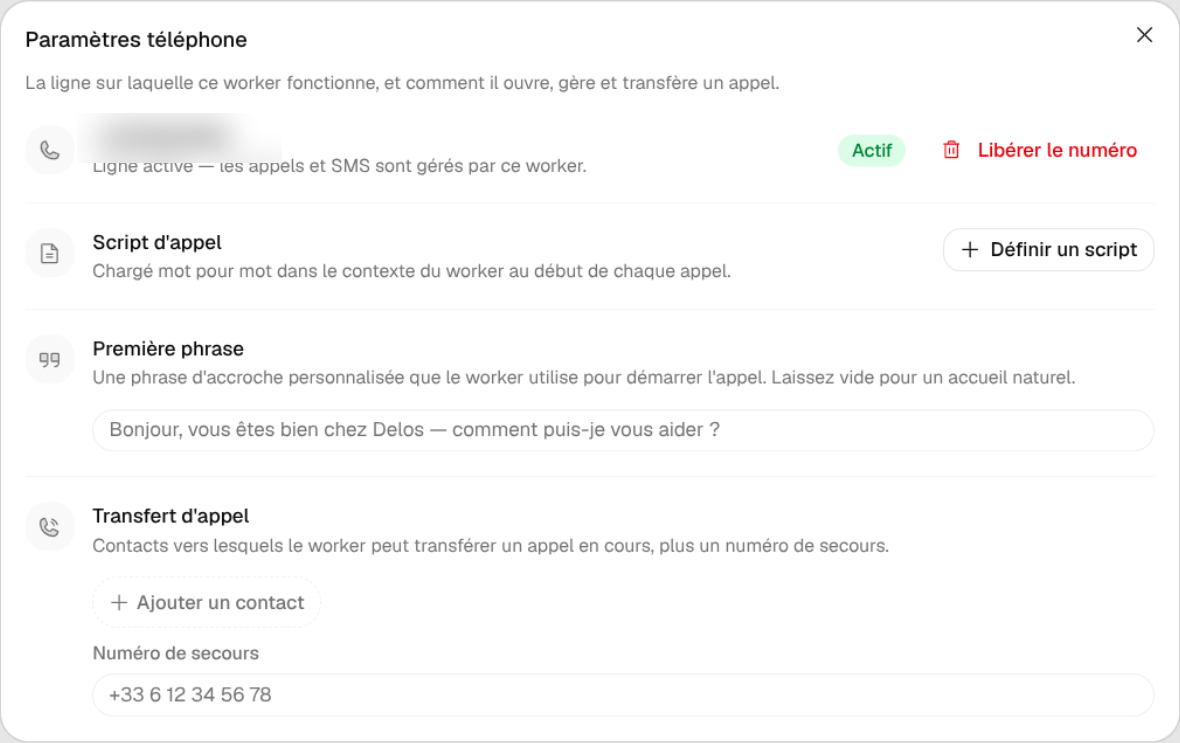
- Open Communication > Appels (Calls), then click "Paramètres téléphone" (Phone settings) next to the worker's number.
- In the "Ligne téléphonique" (Phone line) section, click the red "Libérer le numéro" (Release the number) button: calls and SMS stop working, and the old number cannot be recovered.
- Then provision a new number by choosing the country (France, United States, United Kingdom, Canada, Belgium, Switzerland).
Good to know: the backup number for call forwarding can be edited directly in its field. Tell your contacts before releasing the old number.